 Existing Customers

How do I recycle a Desktop Computer and ensure my data is erased
How to Recycle a Desktop Computer and Ensure Your Data is Erased
Recycling a desktop computer is an important step in reducing e-waste and protecting the environment. However, before you hand over your old device, it's crucial to ensure that all your personal data is securely erased. This guide will walk you through the steps to recycle your desktop computer safely while keeping your information protected.
Step 1: Backup Your Data
Before you begin the recycling process, make sure to back up any important files you want to keep. Use an external hard drive or a cloud storage service to save your documents, photos, and other essential data. This way, you won’t lose anything valuable during the recycling process.
Step 2: Erase Your Data
To effectively erase your data, you'll need to follow a few steps. Simply deleting files or formatting your hard drive is not enough, as data can often be recovered. Instead, use data destruction software that meets industry standards for secure data erasure. Programs like DBAN (Darik's Boot and Nuke) or Eraser can help ensure that your data is completely unrecoverable.
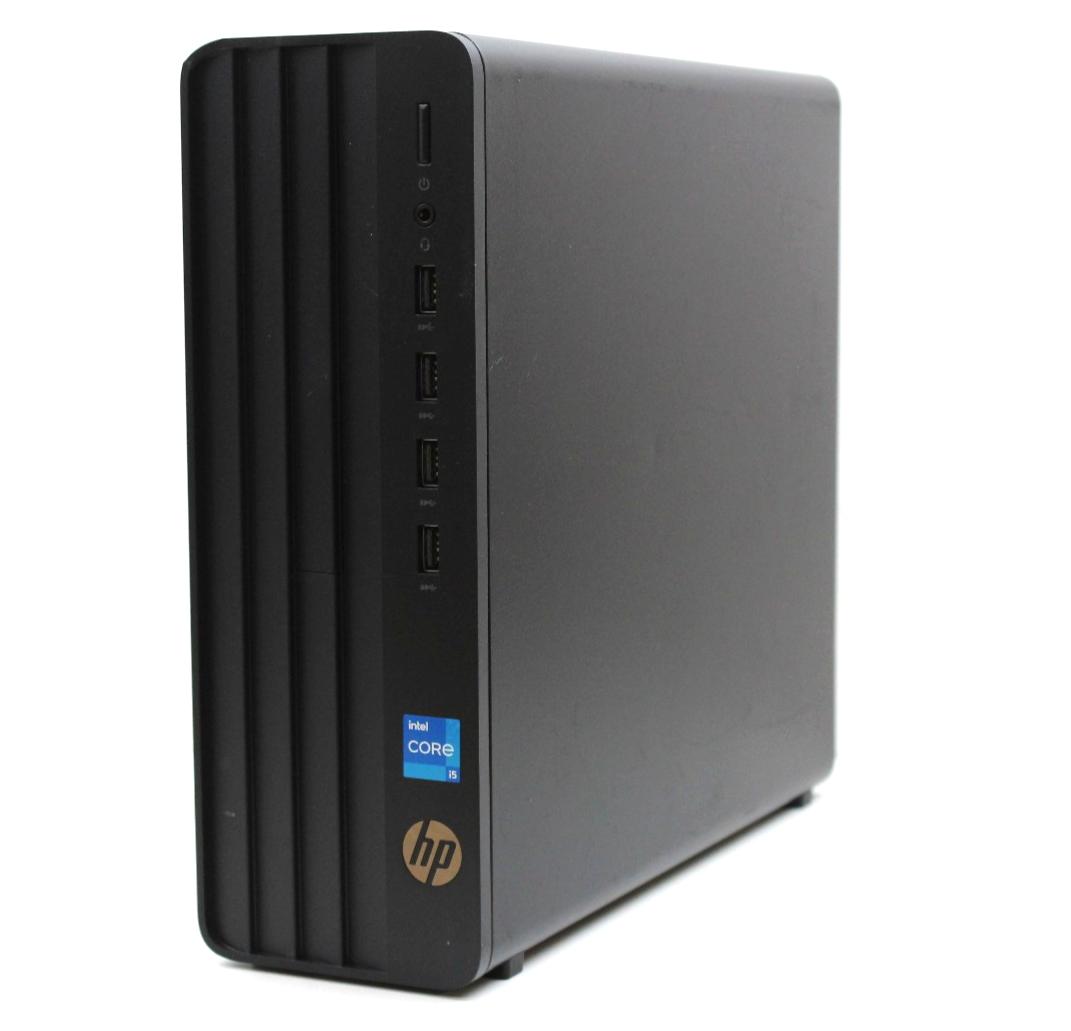
Step 3: Remove Physical Components
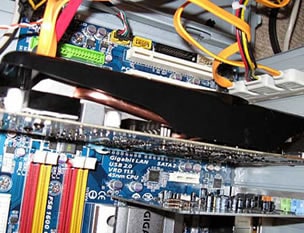
If you're comfortable doing so, consider removing components like hard drives or RAM from your desktop computer. This can provide an extra layer of security, as you can dispose of these parts separately. However, if you're not confident in your ability to do this safely, you can leave the components in the computer and let a certified recycler handle the process.
Step 4: Choose a Certified Recycler
Once your data is securely erased, it's time to recycle your desktop computer. Look for a certified e-waste recycler in your area. Companies like CPR Computer Recycling ensure that computers are processed responsibly and that all data destruction is performed thoroughly. CPR Computer Recycling also donates profits from recycling old computers, laptops, and monitors to UK charities, making it a great choice for responsible recycling.
Step 5: Drop Off or Schedule a Pickup
Many recycling companies, including CPR Computer Recycling, offer free drop-off locations or even pickup services. Check their website for details on how to recycle your desktop computer. Some local municipalities also have e-waste recycling events, where you can safely dispose of your old electronics.
Conclusion
Recycling a desktop computer responsibly is essential for protecting your data and the environment. By following the steps outlined above, you can ensure that your personal information is erased securely and that your old device is recycled properly. Consider using CPR Computer Recycling or other certified recyclers to make a positive impact while decluttering your tech space.
So, the next time you are ready to do some Computer Recycling, remember. You now have a choice.
Why not Contact Us today and arrange a FREE collection of your old and outdated computer equipment or just use the Online Booking form - Collection Is FREE
Book A CollectionNationwide Service

Customer Reviews
-
 Excellent service. Communication was first class. Highly recommend.
04/09/2026 Verified By Google
I was very pleased with the service you provided and give it FIVE STARS
18/08/2026 Verified By This Website
CPR Computer Recycling provided an excellent service from start to finish. The collection process was straightforward, communication was clear throughout, and the team was professional, friendly, and efficient. It's reassuring to know that our IT equipment will be securely data wiped, responsibly recycled, and reused where possible. The fact that the service is free and supports charitable causes makes it even better. I would highly recommend CPR Computer Recycling and will definitely use their services again.
03/09/2026 Verified By This Website




 Facebook
 Twitter
 LinkedIn
 Instagram