 Existing Customers

WHat is the best way to recycle a Laptop ensureing my data is safe
What is the Best Way to Recycle a Laptop Ensuring My Data is Safe?
Recycling a laptop can be a daunting task, especially when you consider the sensitive data stored on it. Ensuring your data is safe while recycling your laptop is crucial. This article will guide you through the best practices for recycling your laptop while keeping your information secure.
Why Recycling Your Laptop is Important
Recycling your laptop not only helps reduce electronic waste but also conserves valuable resources. Many components of laptops, such as metals and plastics, can be repurposed. Furthermore, recycling helps prevent harmful substances found in electronics from entering landfills.
Steps to Securely Recycle Your Laptop
Before recycling your laptop, it is essential to take steps to secure your data. Here are some recommended methods:
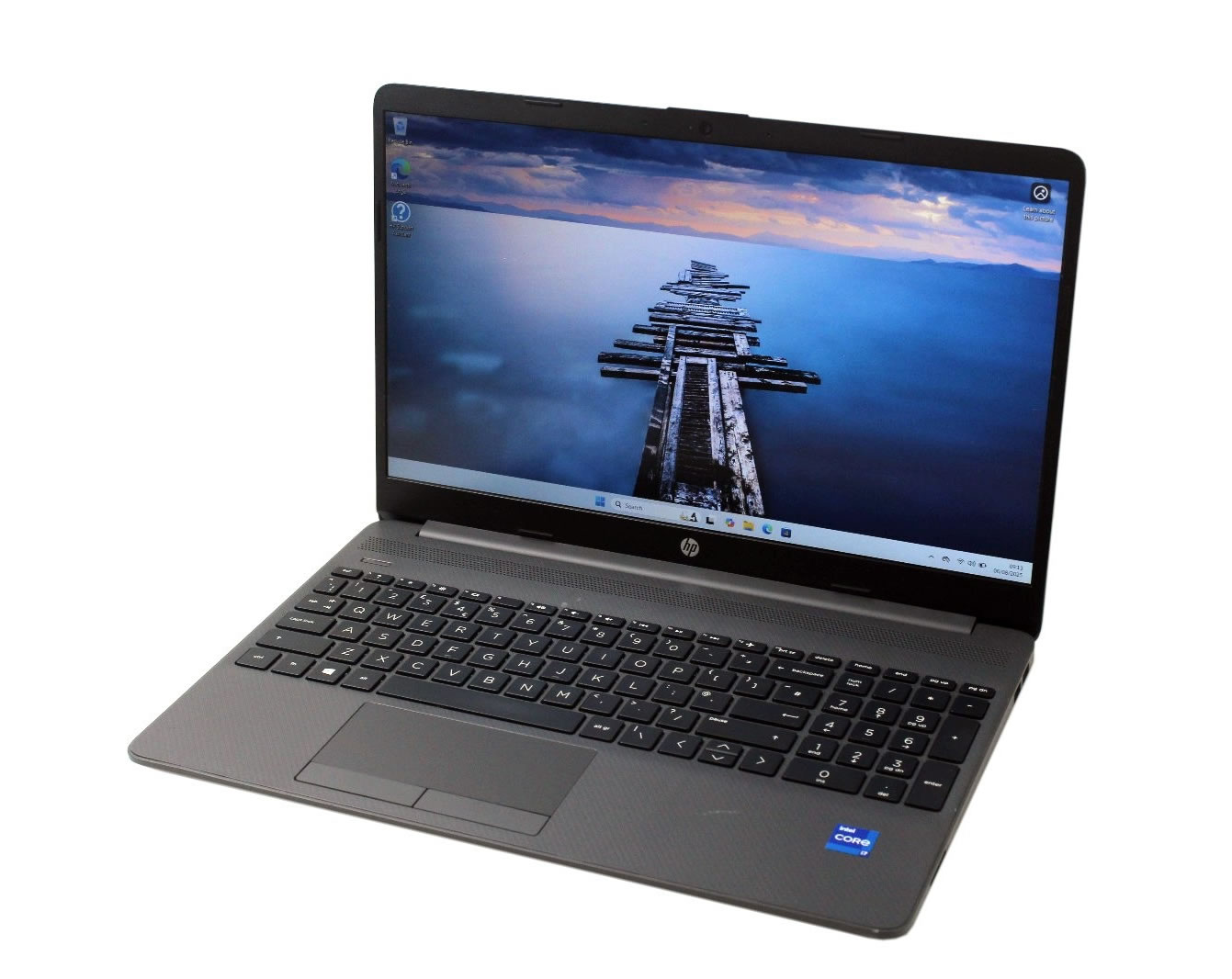
1. Back Up Your Data
Before you proceed with any data destruction methods, make sure to back up your essential files. Use an external hard drive or cloud storage to save your important documents, photos, and other data you wish to keep.
2. Wipe Your Hard Drive
Simply deleting files is not enough to ensure your data is gone. You should use data-wiping software that meets industry standards, such as DBAN (Darik's Boot and Nuke) or Eraser, to overwrite your hard drive. This makes it nearly impossible for someone to recover your data.
3. Remove the Hard Drive
If you want to take extra precautions, consider physically removing the hard drive from your laptop before recycling it. You can then keep it for yourself, securely destroy it, or recycle it separately with companies that offer certified data destruction services such as CPR Computer Recycling.
4. Find a Certified Recycler
Choosing a certified recycler ensures that your laptop will be disposed of responsibly and that your data will be destroyed safely. Look for companies that offer certifications, such as R2 or e-Stewards. CPR Computer Recycling is a reputable option that provides free service to recycle laptops securely.
5. Consider Donation
If your laptop is still functional, consider donating it to a charity or organization that refurbishes electronics. Just ensure that you’ve wiped your data thoroughly before passing it on. Many organizations, including CPR Computer Recycling, also offer donation programs that include data security measures.
Conclusion
Recycling your laptop doesn’t have to be a stress-inducing experience. By following the steps outlined above, you can ensure your data is safe while contributing to a more sustainable environment. Always choose certified recyclers like CPR Computer Recycling to guarantee a responsible recycling process.
So, the next time you are ready to do some Computer Recycling, remember. You now have a choice.
Why not Contact Us today and arrange a FREE collection of your old and outdated computer equipment or just use the Online Booking form - Collection Is FREE
Book A CollectionNationwide Service

Customer Reviews
-
 I was very pleased with the service you provided and give it FIVE STARS
18/08/2026 Verified By This Website
Our second time. Very good service. Friendly. Good communication. Much appreciated. Will use again.
07/09/2026 Verified By Google
A brilliant service, I wish you were closer to our home in Hampshire!
18/08/2026 Verified By Google




 Facebook
 Twitter
 LinkedIn
 Instagram